Knows your services
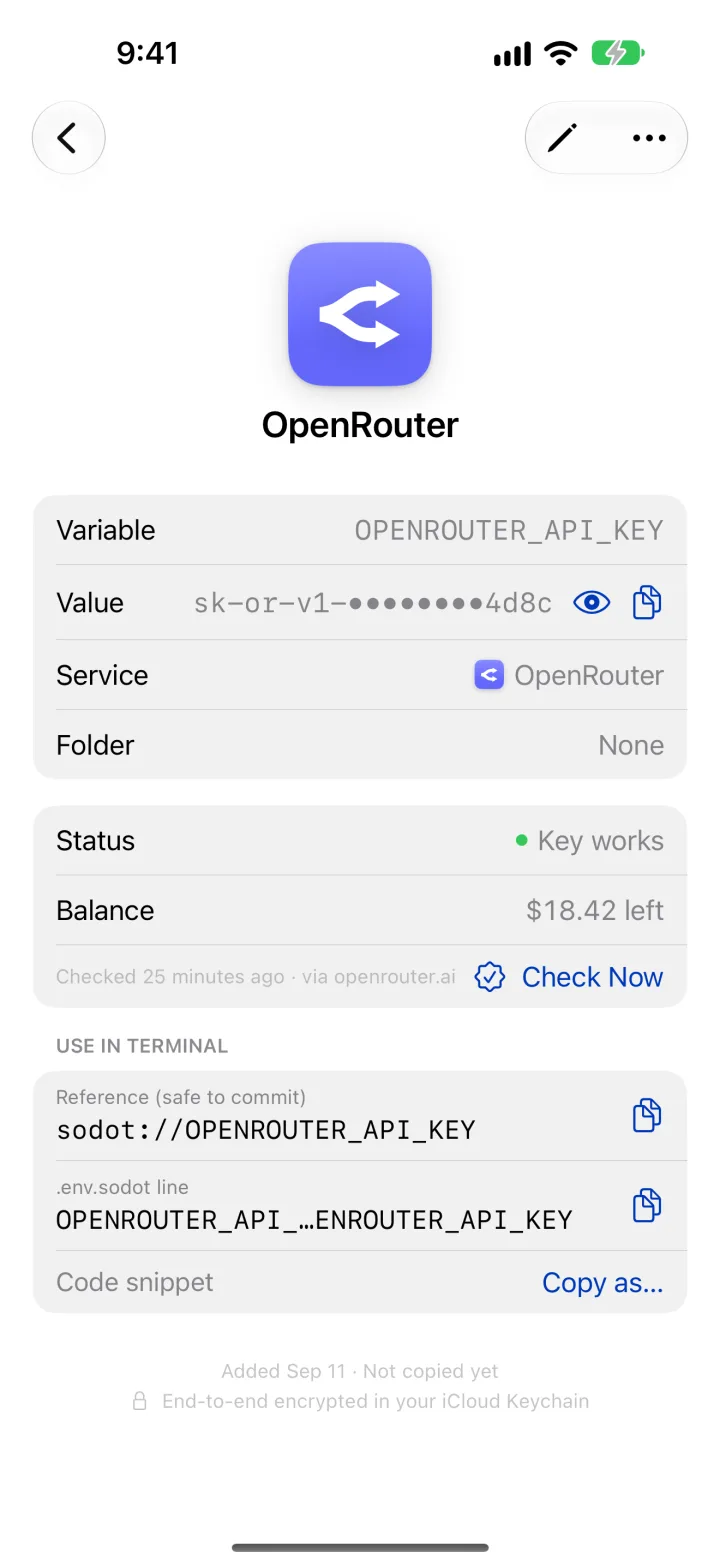
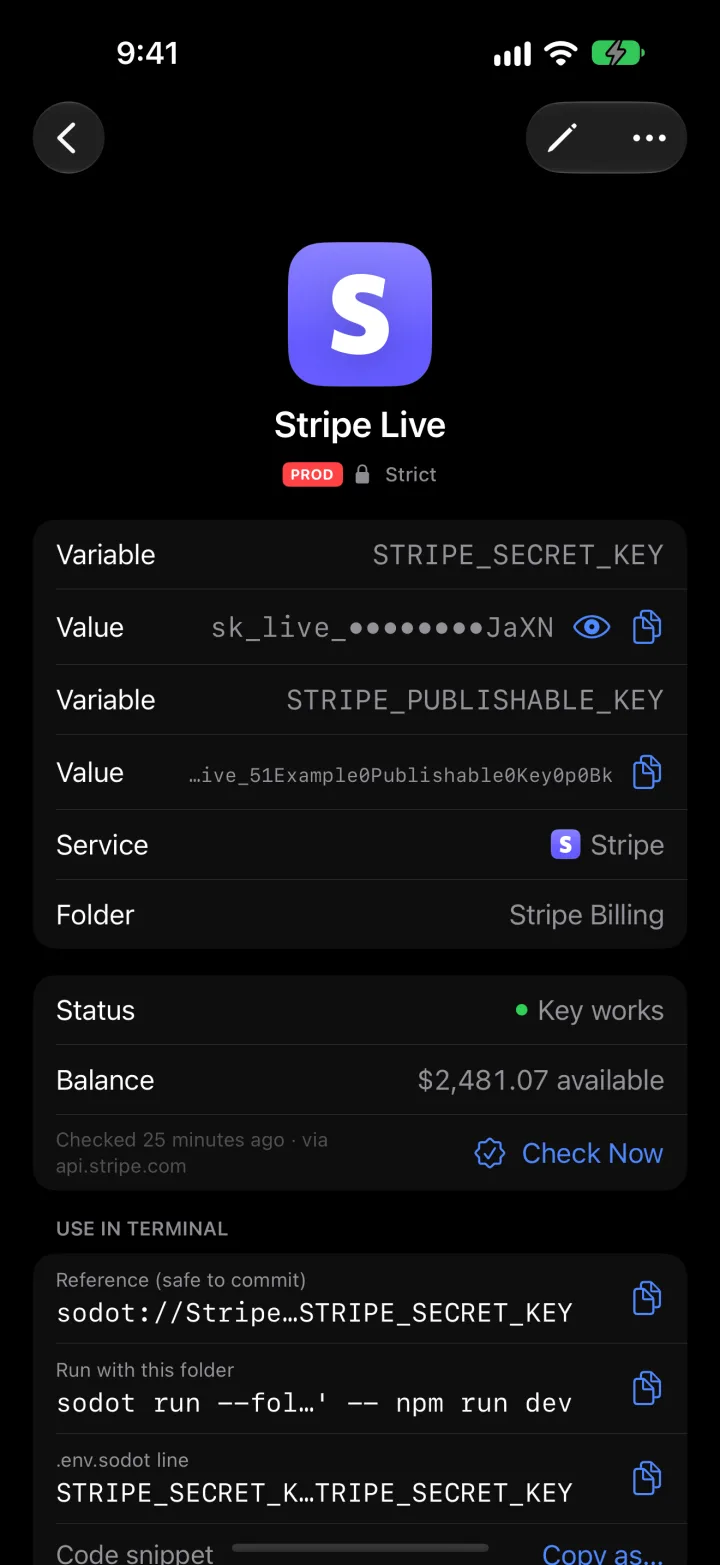
Paste a key and Sodot recognizes the provider (about 45 of them), fills in the name and environment variable, and can check that the key still works and how much balance is left.
Mac · iPhone · iPad · Apple Watch
סודות, Hebrew for “secrets”
Your API keys, secure notes and credential files, kept in iCloud Keychain on every device you own.

Features
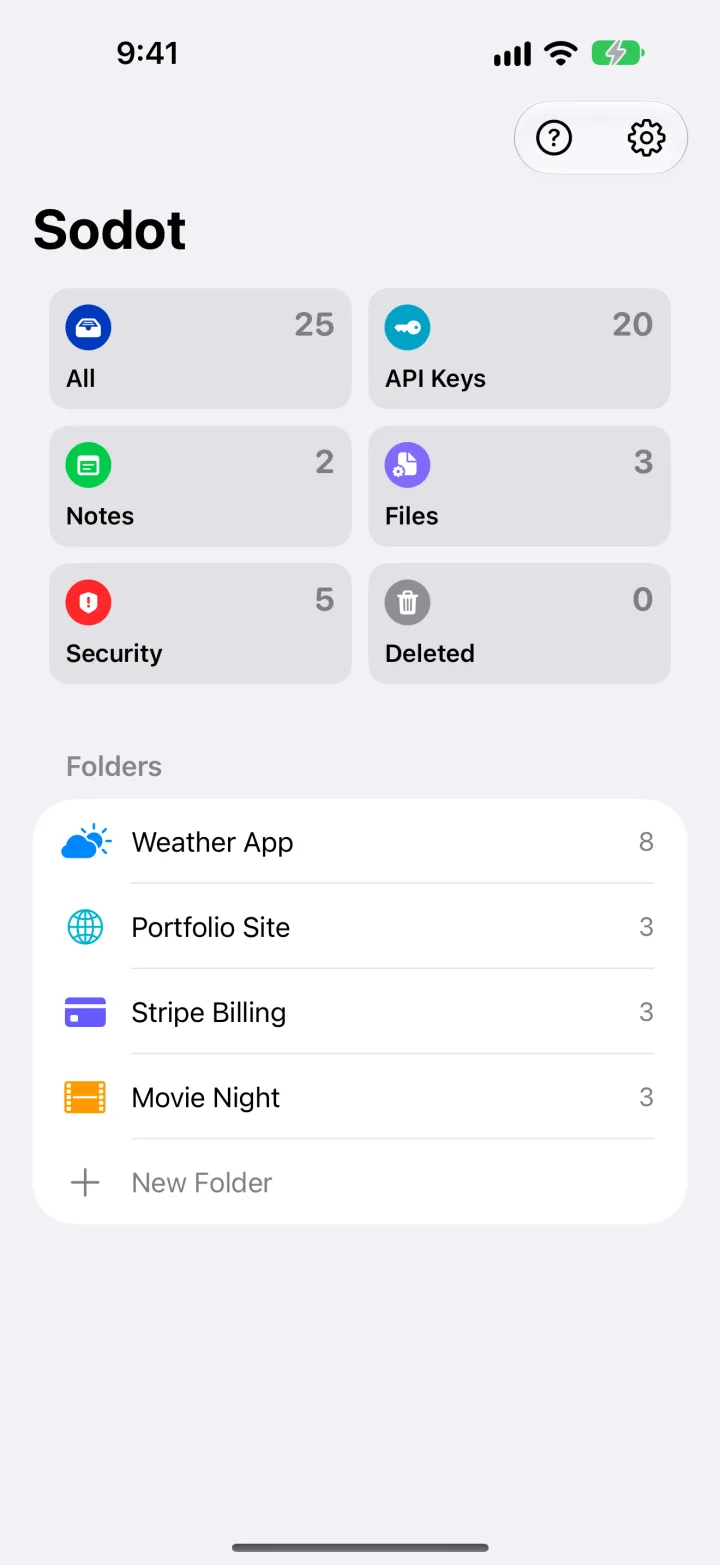
Every key, token, note and certificate in one place, synced end-to-end encrypted, and readable at a glance.
Paste a key and Sodot recognizes the provider (about 45 of them), fills in the name and environment variable, and can check that the key still works and how much balance is left.
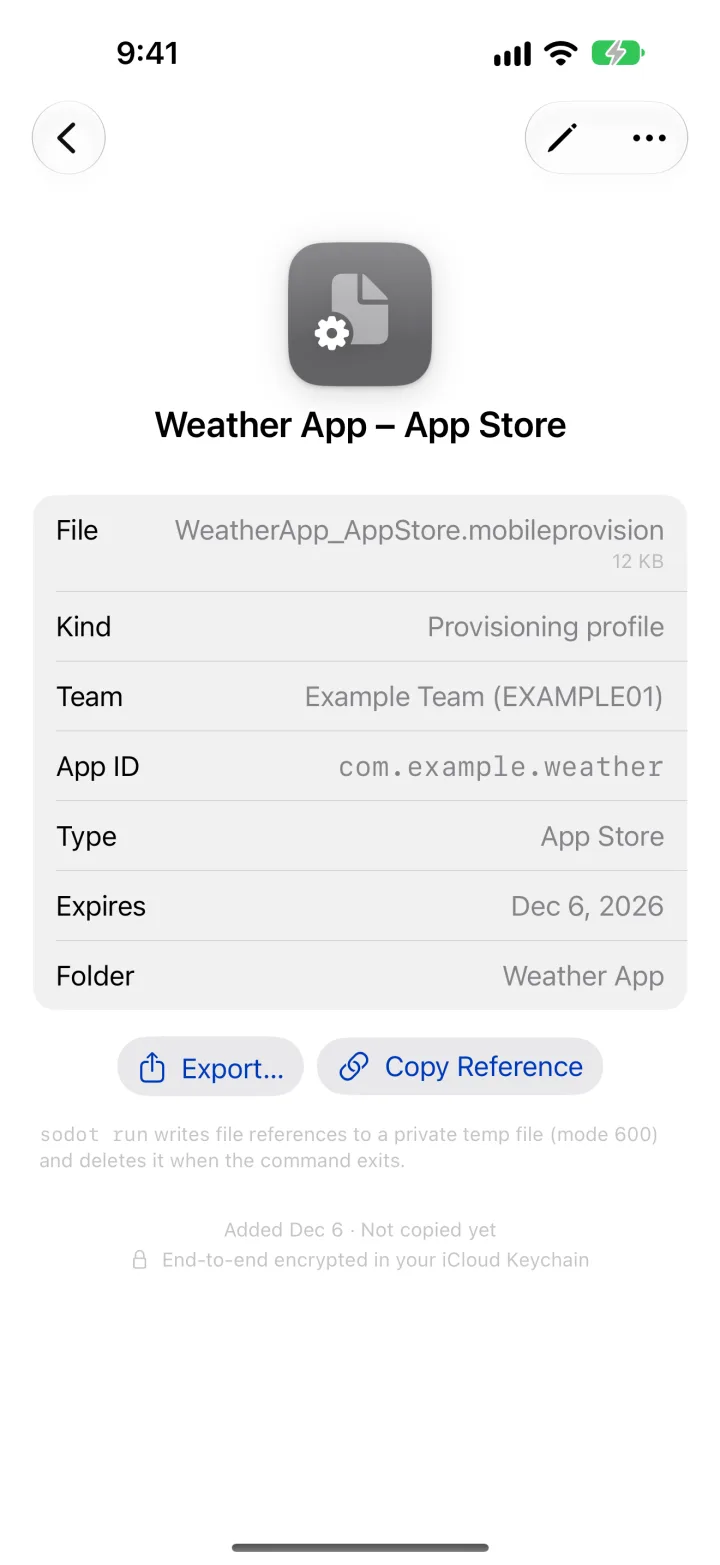
.p8 keys, provisioning profiles, certificates and service-account JSON. Sodot reads their details and reminds you before they expire.
See keys that have expired or soon will, stopped working, run low on balance, or share a secret with another item.

Mark production keys as Strict and Face ID or Touch ID is required every time one is revealed or copied.
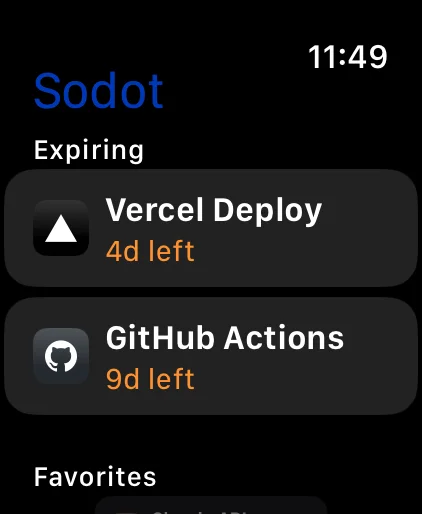
See what's about to expire, and read a key in groups of four when you have to type it somewhere.
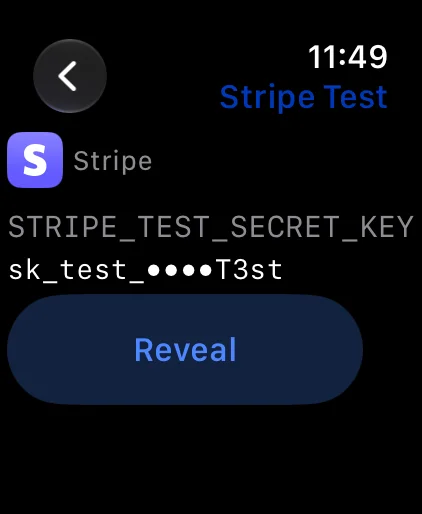
A revealed key is shown in groups of four, easy to read out or compare. Copying always uses the exact key, and the clipboard clears itself.
Changed the same key on two devices before they synced? Sodot keeps both versions, so an edit never disappears.
Deleted something by mistake? It stays under Deleted for 30 days.
End-to-end encryptedEvery secret is its own iCloud Keychain item. Apple syncs it; nobody else can read it, us included.
No account, no serverNo sign-up, no analytics, no tracking. Sodot only contacts a provider's own API when you ask it to check a key.
Locked when you're awayFace ID or Touch ID to open, auto-lock in the background, and the decrypted vault leaves memory when it locks.
Free and Pro
The whole app is free for your first three items. One purchase unlocks the rest, on every device.
Free
$0
Sodot Pro
$3.99one time
No subscription and no ads. Buy it in the app, under Settings › Sodot Pro. Prices may vary by country.
For developers on Mac · Sodot Pro
The sodot command puts your keys into one command's environment after Touch ID, so a plaintext secrets file never touches your disk.
AI coding agents like Claude Code can use your keys through Sodot too. You approve which agent may use which keys, and any secret that shows up in the output is hidden before the agent sees it.
~/weather-app $ sodot run -- npm run dev
sodot: 3 secrets from .env.sodot → npm
▲ ready on http://localhost:3000

~/weather-app $ cat .env.sodot
OPENAI_API_KEY=sodot://OPENAI_API_KEY
STRIPE_SECRET_KEY=sodot://STRIPE_SECRET_KEY

# An AI agent ran a command that printed a key:
OPENAI_API_KEY=<concealed by sodot: OPENAI_API_KEY>
The sodot command and the Claude Code plugin
/plugin marketplace add /usr/local/share/sodot/claude-codeRun that inside Claude Code after installing, then /plugin install sodot@sodot.
Questions
In the Keychain on your own devices. With iCloud Keychain turned on, Apple syncs them end-to-end encrypted between your Mac, iPhone, iPad and Apple Watch. Sodot has no server, and we can't see your keys.
No. It's a single purchase that unlocks Pro on every device signed in to your Apple Account, and on your family's devices with Family Sharing. Restore it any time from Settings › Sodot Pro.
Everything you've saved stays readable and copyable. Adding a fourth item asks you to unlock Sodot Pro.
Only if you want to use your keys from the terminal or AI coding agents on your Mac. The app works fully without it. It's a separate free installer because the Mac App Store can't include command-line tools, and it needs Sodot Pro.
Only when you tap Check Now on a key: Sodot then asks that key's own provider (for example OpenAI) whether it still works and how much balance is left, exactly as your own code would. Nothing is sent anywhere else. Read the privacy policy.
סודות (sodot) is Hebrew for “secrets”.
Free on the App Store for Mac, iPhone, iPad and Apple Watch.